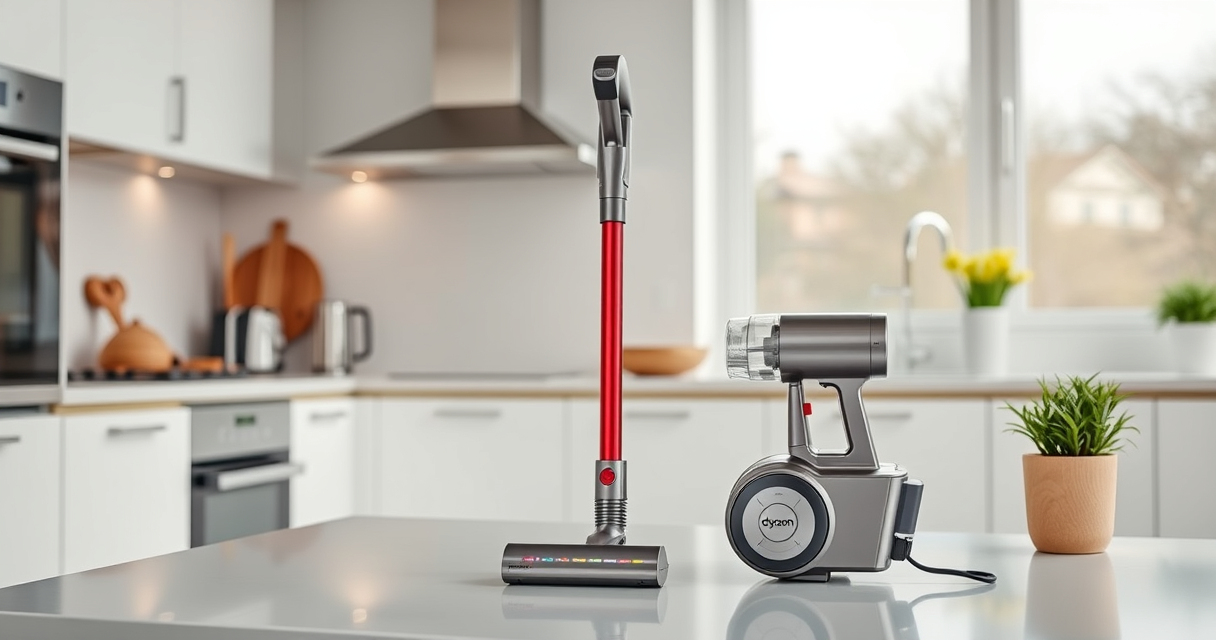

If your Dyson V15 Detect™ Origin Cordless Vacuum is losing power quickly or its battery isn’t holding a charge, you’re not alone. Battery issues are common in cordless vacuums, but many can be resolved with simple troubleshooting steps. This guide will help you identify causes and apply safe, effective fixes to restore your vacuum’s runtime.

Get cleaning gear delivered free with Prime
- Fast, free delivery on millions of items
- Prime Video, Amazon Music and more included
- Member-only deals all year
Understanding the potential reasons behind rapid battery drain and knowing the correct maintenance routines can extend your vacuum’s life and ensure optimal performance. Follow these steps carefully for best results.
Key Takeaways
| Battery health decline | Over time, batteries lose capacity and hold less charge. |
| Clogged filters or blockages | Filters or airflow obstructions reduce efficiency and drain the battery. |
| Incorrect charging practices | Using incompatible chargers or frequent incomplete discharges can harm the battery. |
| Aging or faulty battery cells | Old or damaged cells cause rapid power loss and may need replacement. |
Check the Battery Health
- Ensure the vacuum is fully charged using the original charger supplied with your Dyson V15 Detect™.
- Observe the LCD screen during charging; it should show a full battery after the recommended charging time.
- If the battery doesn’t reach full charge or the runtime is significantly shorter than 60 minutes, the battery may be aging or faulty.
Clean and Maintain Filters
- Remove the pre-filters and filters from the vacuum, rinse them with water, and let them air dry completely.
- Reinstall the filters once dry, ensuring they are seated properly.
- Clogged filters can cause airflow restrictions, forcing the battery to work harder and drain faster.
Check for Blockages and Airflow Obstructions
- Inspect the vacuum’s nozzle, wand, and cleaner heads for debris or blockages.
- Clear any obstructions carefully to restore proper airflow.
- Blocked airflow increases motor workload, reducing runtime and potentially damaging the battery.
Optimize Charging Practices
- Always use the Dyson charger that came with your vacuum, and avoid charging in extreme temperatures.
- Charge the battery fully before each use and avoid frequent partial charges or discharges.
- For prolonged storage, keep the battery between 30-50% charge and store in a cool, dry place.
Replace the Battery if Necessary
If your battery is old or no longer holds a proper charge after troubleshooting, consider replacing it with a compatible new one. Consult Dyson or authorized parts suppliers for genuine replacements.
The Products in This Guide

Dyson V15 Detect™ Origin Cordless Vacuum
- ✔ Dimensions: Lap 9.8 x W 8.3 x H 45.4 inches
- ✔ Weight: 6.8 lbs
- ✔ Charge Time: Approximately 4 hours

LANMU Crevice Tool Vacuum Attachments Compatible
- ✔ Weight: 0.3 lbs
- ✔ Length: 12 inches
- ✔ Fitting Type: Universal Dyson compatibility
Dyson V15 Detect™ Origin Cordless Vacuum
The Dyson V15 Detect™ Origin offers powerful deep cleaning, intelligent debris detection, and a long-lasting 60-minute runtime. Regular maintenance and proper charging can maximize its efficiency.
Pros:
- Powerful suction
- Intelligent debris detection
- Long runtime
- LCD display with real-time info
Cons:
- Battery aging over time
- Filters require regular cleaning
- Price may be high for replacements
Best for: Whole-home deep cleaning, pet hair, hard floors
Not ideal for: Heavy-duty commercial use, frequent battery replacements
Bottom line: Regular maintenance and proper charging extend your Dyson V15 Detect’s battery life.
LANMU Crevice Tool Vacuum Attachments Compatible
The LANMU Crevice Tool Vacuum Attachments compatible with Dyson models helps you reach into tight corners and hard-to-access spots, making cleaning more thorough.
Pros:
- Narrow nozzle for tight spaces
- Flexible and easy to maneuver
- Compatible with multiple Dyson models
- Ideal for cars, corners, and upholstery
Cons:
- Attachment only, no additional cleaning functions
- Requires proper fitting for best seal
- Not suitable for Dyson V6 or canister models
Best for: Cleaning tight spaces, edges, car interiors
Not ideal for: Heavy-duty deep cleaning or large debris removal
Bottom line: A versatile tool that makes reaching tricky spots easier.
Frequently Asked Questions
Why is my Dyson V15 Detect’s battery dying so fast?
Battery degradation over time, airflow blockages, dirty filters, or improper charging can cause rapid battery drain. Follow the troubleshooting steps to identify and fix the issue.
How often should I replace the filters?
It’s recommended to wash filters every 2-3 months and replace them if they show signs of damage or reduced performance.
Can I replace the Dyson battery myself?
Yes, if the battery is aging or faulty, you can replace it with a compatible genuine battery. Ensure you follow safety instructions and use proper tools.
What should I do if my vacuum still has battery issues after troubleshooting?
If problems persist, contact Dyson customer support or a professional repair service for further assistance or consider replacing the battery.
Keep Your Dyson V15 Detect Running at Its Best
Regular maintenance, proper charging habits, and timely filter cleaning can significantly extend the life of your Dyson cordless vacuum’s battery. If issues persist despite troubleshooting, replacing the battery might be necessary to restore optimal performance and enjoy uninterrupted cleaning sessions.
Affiliate disclosure: As an Amazon Associate we earn from qualifying purchases. Prices and availability are accurate as of the time of publishing.
Evergreen bestsellers Picks
bestsellers
As an affiliate, we earn on qualifying purchases.