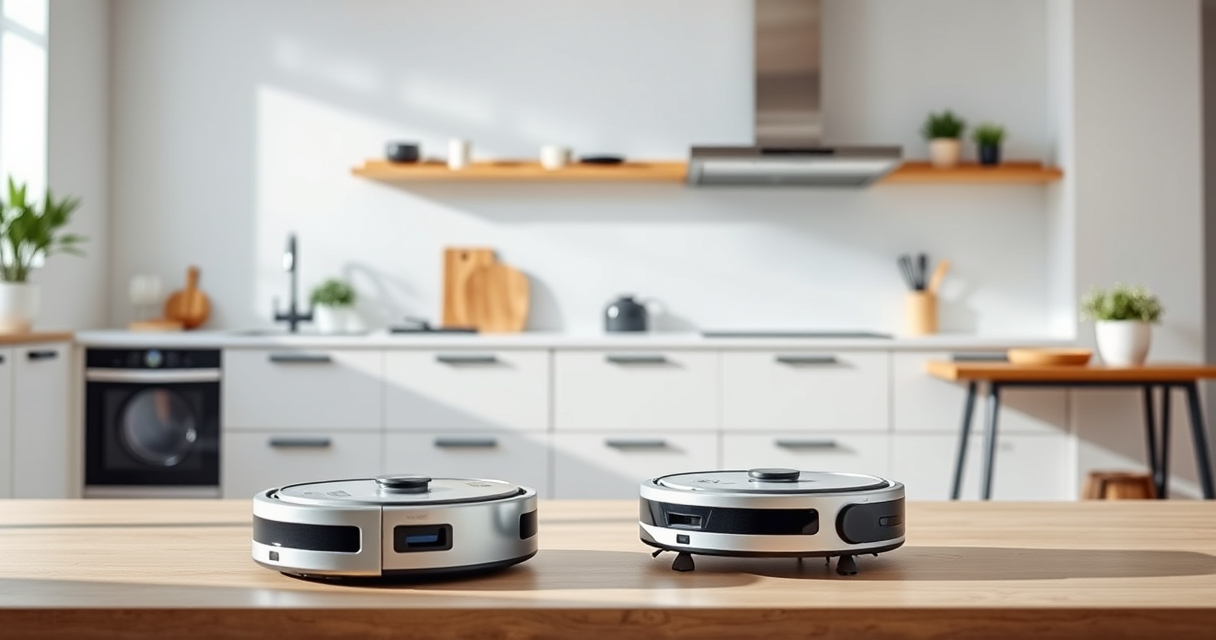

If your Roborock Q7 M5+ robot vacuum is having trouble connecting to Wi-Fi, it can disrupt your cleaning schedule and app control. Fortunately, most Wi-Fi connectivity issues are fixable with some straightforward troubleshooting steps. This guide will walk you through practical, safe solutions to get your vacuum back online quickly.

Get cleaning gear delivered free — and shop member deals
- Fast, free delivery on millions of items
- Access to Prime Big Deal Days deals on October 6–7
- Prime Video, Amazon Music and more included
Key Takeaways
| Check Wi-Fi Signal | Ensure your Wi-Fi network is stable and within range. |
| Restart Devices | Restart your Roborock and router to refresh connections. |
| Update Firmware | Make sure your vacuum’s firmware and app are up to date. |
| Reset Wi-Fi Settings | Reconfigure Wi-Fi on the vacuum if needed. |
Verify Your Wi-Fi Network
- Ensure your router is working properly and other devices can connect to Wi-Fi without issues.
- Confirm your Wi-Fi signal is strong in the area where the vacuum is located.
- If your network is using 5GHz, try switching to 2.4GHz, as some Roborock models work better with 2.4GHz networks.
Restart Your Devices
- Power off your Roborock vacuum and unplug your router for about 30 seconds.
- Plug the router back in and turn on your vacuum.
- Open the Roborock app and attempt to reconnect.
Update Firmware and App
- Check the Roborock app for any available updates and install them.
- Ensure your vacuum’s firmware is current; update via the app if prompted.
Reconfigure Wi-Fi Settings
- In the Roborock app, go to device settings and select ‘Wi-Fi Settings.’
- Choose ‘Forget Wi-Fi’ or ‘Reset Network Settings’ on the vacuum.
- Follow the app instructions to reconnect your vacuum to Wi-Fi, ensuring you enter the correct network name and password.
Additional Tips and Warnings
- Keep your vacuum close to the router during setup to avoid signal issues.
- Avoid using complex or hidden Wi-Fi passwords during reconnection.
- Do not attempt to disassemble the vacuum or router yourself, as this can cause damage or void warranties.
The Products in This Guide

roborock Q7 M5+ Robot Vacuum and Mop
- ✔ Model: Q7 M5+
- ✔ Battery: Long-lasting
- ✔ Dust Capacity: 2.7L sealed bag

4 Pack Washable Filter
- ✔ Material: HEPA
- ✔ Compatibility: Multiple models
- ✔ Washable: Yes
roborock Q7 M5+ Robot Vacuum and Mop
The Roborock Q7 M5+ Robot Vacuum and Mop offers powerful suction, PreciseLiDAR navigation, and seamless app control. Ensuring a steady Wi-Fi connection maximizes its cleaning efficiency.
Pros:
- Strong 10000Pa suction
- Advanced LiDAR navigation
- Long-lasting self-emptying
- Pet hair and carpet friendly
Cons:
- Requires stable Wi-Fi for full features
- Setup can be tricky without proper network
Best for: Homeowners wanting reliable, high-performance cleaning
Not ideal for: Users with inconsistent Wi-Fi or limited tech familiarity
Bottom line: A high-tech vacuum that relies on a stable Wi-Fi connection for optimal performance.
4 Pack Washable Filter
Replacing your vacuum’s filters with this 4-pack of washable HEPA filters ensures optimal airflow and effective filtration, which can also help with Wi-Fi stability by maintaining cleaner internals.
Pros:
- Washable and reusable
- Compatible with multiple Roborock models
- True HEPA filtration
- Easy to install
Cons:
- Requires regular cleaning
- Not OEM but well-matched
Best for: Maintaining optimal vacuum performance and air quality
Not ideal for: If your primary issue is Wi-Fi, this is secondary but beneficial for overall health
Bottom line: A practical upgrade to keep your vacuum running smoothly and efficiently.
Frequently Asked Questions
Why isn’t my Roborock connecting to Wi-Fi?
Common reasons include weak signal, incorrect password, outdated firmware, or network issues. Follow the troubleshooting steps to resolve.
Can I change Wi-Fi to 5GHz?
Many Roborock models work better with 2.4GHz networks. Switch your router to 2.4GHz if possible for improved connectivity.
How often should I reset my Wi-Fi settings on the vacuum?
Only reset if you’re experiencing connection issues. Reconfigure Wi-Fi following the app instructions for best results.
Is it safe to restart my router and vacuum?
Yes, restarting your devices is a safe and effective way to resolve temporary connectivity problems.
Stay Connected for Seamless Cleaning
Ensuring a stable Wi-Fi connection is key to getting the most out of your Roborock Q7 M5+. By following these troubleshooting steps, you can resolve most connectivity issues and enjoy automated cleaning without interruption. Regular maintenance and updates will keep your device performing at its best.
Affiliate disclosure: As an Amazon Associate we earn from qualifying purchases. Prices and availability are accurate as of the time of publishing.
Fall Picks
fall essentials
As an affiliate, we earn on qualifying purchases.