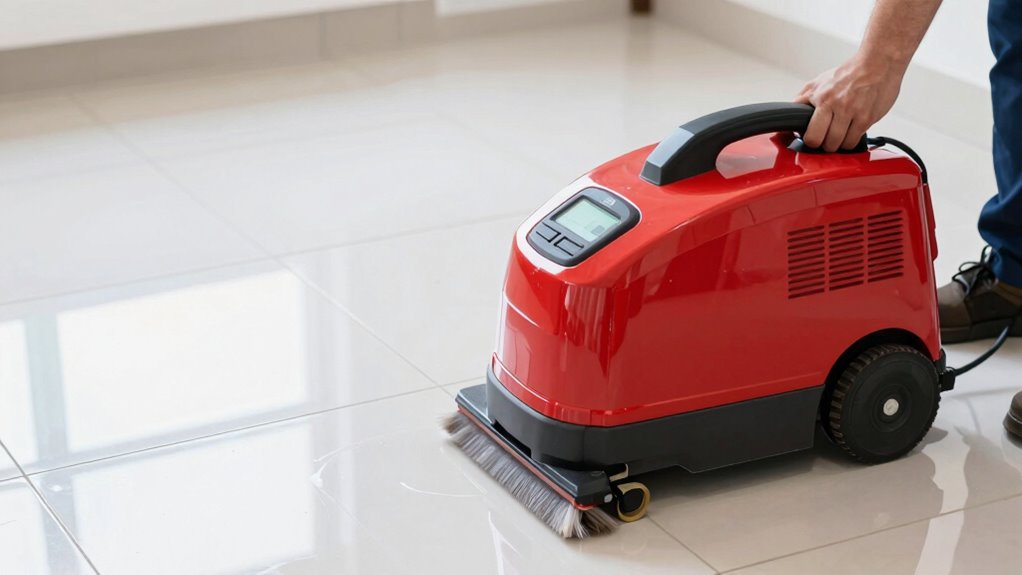

To prevent your battery floor scrubber from dying mid-job, always keep the battery charged between 20% and 80%, and avoid deep discharges. Use the correct charger and keep contacts clean to guarantee efficient charging. Store the scrubber in a cool, dry place and avoid extreme temperatures. Lower power mode when possible to extend runtime. Follow these tips consistently, and you’ll discover more ways to keep your cleaning sessions smooth and uninterrupted.
Key Takeaways
- Use the lowest power setting suitable for cleaning to extend battery runtime.
- Keep the battery charge level between 20% and 80% for optimal performance.
- Regularly clean and maintain battery contacts to ensure efficient charging and discharging.
- Store and charge the scrubber in cool, dry environments to prevent capacity loss.
- Avoid overcharging and disconnect the charger promptly once the battery is full.
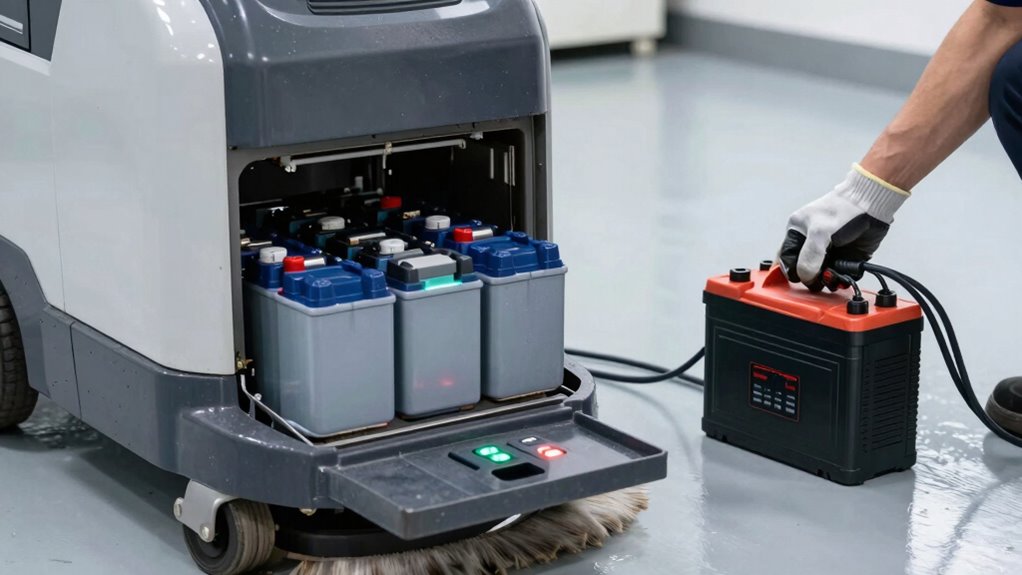
If you want your battery-powered floor scrubber to run longer between charges, there are simple hacks you can try. One of the most effective ways to extend runtime is understanding your battery capacity. Knowing the maximum amount of energy your battery can store helps you plan your cleaning sessions better. Over time, batteries can lose capacity, so it’s essential to monitor how much charge they hold and replace them when they no longer meet your needs. This way, you prevent unexpected shutdowns during critical cleaning jobs.
In addition to knowing your battery capacity, implementing proper charging tips can markedly boost runtime. Always use the charger that came with your scrubber or one recommended by the manufacturer. Using incompatible chargers can damage your battery or reduce its lifespan, leading to decreased capacity over time. Avoid charging your battery to 100% all the time; instead, try to keep the charge level between 20% and 80%. This practice, often called partial charging, minimizes stress on the battery cells and prolongs their effective lifespan. Also, don’t leave your battery on the charger longer than necessary—overcharging can generate heat and degrade the battery cells faster.
Temperature management plays an essential role in maintaining ideal battery performance. Keep your floor scrubber in a cool, dry place during charging and storage. Excessive heat can accelerate capacity loss, while cold temperatures can temporarily reduce battery efficiency. If your model has a battery indicator, use it to check the charge status regularly, and avoid deep discharges unless absolutely necessary. Deep discharges, where the battery is drained completely, can shorten its overall lifespan and reduce runtime. Additionally, selecting a high-quality battery can significantly impact the longevity and runtime of your device.
Another handy tip is to keep your battery contacts clean and free of corrosion. Dirt or corrosion can hinder proper charging and discharging, leading to reduced capacity and shorter runtime. Use a dry cloth or a gentle brush to clean the contacts periodically. Additionally, if your scrubber has adjustable settings, opt for lower power modes when possible. Running the machine at a lower setting consumes less power, helping your battery last longer during each session.
battery floor scrubber replacement battery
As an affiliate, we earn on qualifying purchases.
As an affiliate, we earn on qualifying purchases.
Frequently Asked Questions
Can I Upgrade My Scrubber’s Battery for Longer Runtime?
Yes, you can upgrade your scrubber’s battery for longer runtime by choosing a battery with higher capacity, which provides more power and extends operation time. Make sure to check compatibility with your model and consider implementing better power management practices, like turning off the scrubber when not in use. Upgrading the battery and optimizing power management can substantially improve your scrubber’s efficiency and reduce downtime during jobs.
How Often Should I Calibrate My Battery for Optimal Performance?
You should calibrate your battery every 1 to 3 months for maximum performance, especially if you notice reduced runtime. Studies show proper battery maintenance extends lifespan by up to 20%. Calibration frequency helps guarantee accurate charge readings, preventing unexpected shutdowns mid-job. Regularly calibrate your battery to maintain efficiency and avoid premature replacements, ultimately saving you time and money while keeping your floor scrubber running smoothly.
Are There Specific Cleaning Schedules to Save Battery Life?
To save battery life, you should schedule cleaning sessions based on your floor’s traffic and dirt levels, avoiding overuse. Maintain your scrubber with regular maintenance routines like cleaning filters and checking connections. Adjust cleaning frequency to prevent overworking the battery, and always turn off the machine when not in use. Proper scheduling and upkeep ensure longer battery life and peak performance during each job.
What Signs Indicate My Battery Needs Replacement?
You’ll know your battery needs replacing if you notice signs like reduced runtime, frequent recharging, or visual damage such as cracks or corrosion. Check the battery’s age; if it’s several years old, it’s likely nearing the end of its life. Keep an eye out for swelling or leaks, as these are clear indicators that your battery’s performance has deteriorated and it’s time for a replacement to guarantee ideal operation.
Can External Power Sources Extend My Scrubber’s Runtime?
You can definitely stretch your scrubber’s runtime with external power sources. Using a power bank or solar panels keeps the battery topped off, so you don’t hit a wall mid-job. Connect a reliable power bank for quick boosts, or set up solar panels for longer-term sustainability. Just make sure your equipment is compatible, and you’re good to go. It’s a smart way to keep working without losing steam!
Conclusion
Now that you know these hacks, your floor scrubber won’t leave you stranded mid-job. Imagine the clean floors you’ll achieve without interruption—no more rushing to find a charger or worrying about sudden power loss. It’s a small change that makes a big difference, turning a frustrating chore into a smooth, efficient process. With a little prep, your scrubber’s runtime will last longer than ever, giving you peace of mind and spotless results every time.