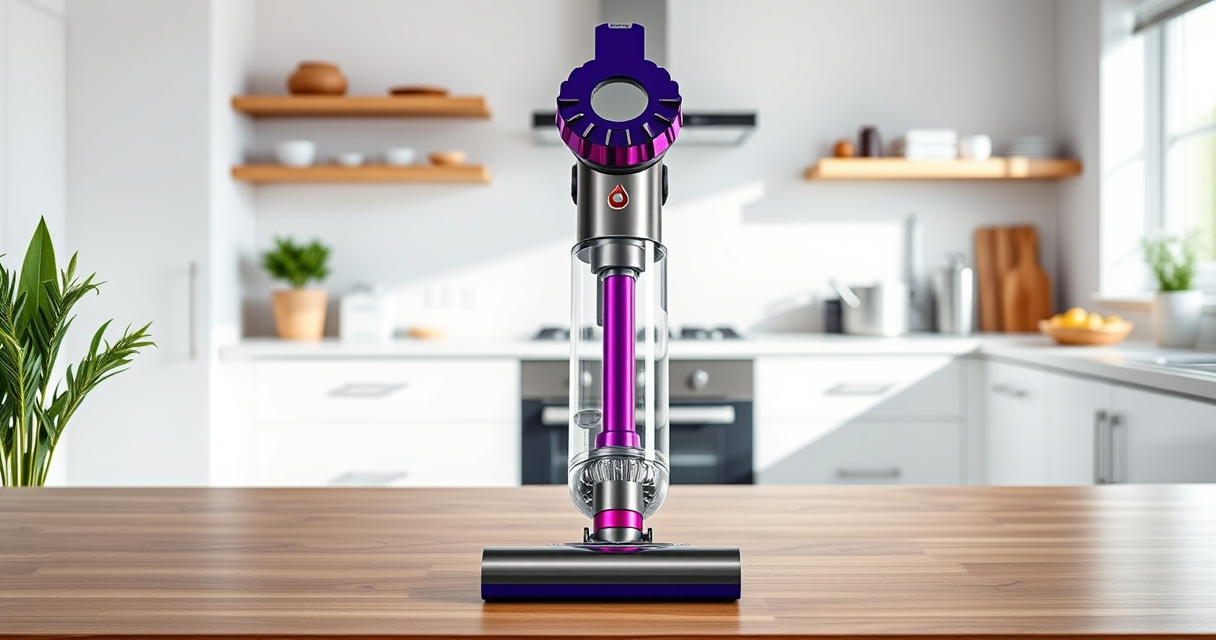

Getting started with your Dyson V15 Detect™ Origin Cordless Vacuum is straightforward, but proper setup ensures maximum efficiency and safety. Follow these clear steps to assemble and prepare your vacuum for deep cleaning around your home.
Whether you’re a first-time user or upgrading from an older model, this guide will walk you through the setup process, including attaching accessories and performing initial maintenance.
Key Takeaways
| Powerful Cleaning | Features 100% more power and intelligent debris detection. |
| Long Battery Life | Up to 60 minutes of run time for whole-home cleaning. |
| Easy Assembly | Simple step-by-step setup for quick start. |
| Maintenance Alerts | LCD screen displays real-time updates and alerts. |

Dyson V15 Detect™ Origin Cordless Vacuum
- Deep cleaning with intelligent dust detection: Reveals invisible dust for thorough cleaning
- Enhanced power and runtime: 100% more power, 60-minute battery life
- Energy-efficient power trigger: Uses power only when needed
As an affiliate, we earn on qualifying purchases.
Unpack and Inspect Your Vacuum
- Remove the Dyson V15 Detect™ Vacuum and accessories from the box.
- Check that all parts, including the main unit, cleaner heads, crevice tool, and filters, are present.
- Inspect for any visible damage before proceeding.
Assemble the Main Unit and Cleaner Head
- Attach the selected cleaner head (e.g., Digital Motorbar or Fluffy Optic) to the main wand by aligning the connection points and pushing until it clicks securely.
- Ensure the connection is firm to avoid detachment during cleaning.
Install the Filters
- Remove the pre-filter or main filter from the vacuum (refer to your model’s manual).
- If using replacement filters, rinse the filters with water, wring out excess moisture, and let them air dry completely for 24 hours before reinstalling.
- Reinstall the filters securely into the designated slots.
Attach Accessories for Specific Cleaning Tasks
- Choose the appropriate attachment, such as the crevice tool for edges or the mini motorized tool for upholstery.
- Attach the accessory to the wand or directly to the main unit as needed.
Power On and Configure Settings
Press the power trigger to turn on the vacuum. Use the LCD screen to select the desired power mode and monitor remaining run time. Allow the vacuum to run briefly to ensure proper operation.
The Products in This Guide

Dyson V15 Detect™ Origin Cordless Vacuum
- ✔ Weight: 6.8 lbs
- ✔ Battery Type: Lithium-ion
- ✔ Charging Time: 3.5 hours

LANMU Crevice Tool Vacuum Attachments Compatible
- ✔ Length: 12 inches
- ✔ Nozzle Width: 0.75 inches
- ✔ Flexibility: High
Dyson V15 Detect™ Origin Cordless Vacuum
The Dyson V15 Detect™ Origin offers powerful, intelligent cleaning with real-time particle detection. Its advanced features make it ideal for thorough home maintenance.
Pros:
- Powerful suction with 100% more power
- Intelligent debris detection
- Long 60-minute battery life
- LCD screen for real-time updates
Cons:
- Higher price point
- Requires regular filter maintenance
- Weight may be cumbersome for some users
Best for: Deep cleaning of whole homes, pet hair removal, and detailed dust detection.
Not ideal for: Light, quick cleanups or users seeking a budget-friendly option.
Bottom line: A highly efficient, smart vacuum for comprehensive home cleaning.
LANMU Crevice Tool Vacuum Attachments Compatible
The LANMU Crevice Tool fits Dyson models well, helping you reach narrow spots like corners, between cushions, and inside car interiors, making your cleaning more thorough.
Pros:
- Narrow nozzle for tight spaces
- Flexible and slim design
- Compatible with multiple Dyson models
- Versatile for home and car use
Cons:
- May be too slender for larger debris
- Requires careful handling to avoid damage
- Attachment method may vary
Best for: Cleaning edges, car interiors, and small gaps.
Not ideal for: Heavy-duty cleaning of large debris or carpets.
Bottom line: A handy tool for tackling tricky, hard-to-reach spots.
Frequently Asked Questions
How often should I replace the filters?
It’s recommended to replace or clean the filters every 2-3 months for optimal performance, depending on usage.
Can I use other attachments with the Dyson V15?
Yes, the Dyson V15 Detect™ is compatible with a range of attachments, including crevice tools, mini motorized tools, and soft dusting brushes.
What should I do if the vacuum loses power?
Check the battery level on the LCD screen, ensure filters are clean and properly installed, and remove any blockages in the wand or cleaner head.
Is it safe to wash the filters?
Yes, filters can be rinsed with water. Make sure they are completely dry before reinstalling to prevent damage and maintain suction.
Getting Your Dyson V15 Detect™ Ready for Action
Setting up your Dyson V15 Detect™ Origin Cordless Vacuum correctly ensures a powerful, efficient cleaning experience. Follow these steps carefully, maintain your filters, and choose the right accessories for your needs to keep your home spotless. With proper setup and maintenance, your Dyson vacuum will serve you well for years to come.
Affiliate disclosure: As an Amazon Associate we earn from qualifying purchases. Prices and availability are accurate as of the time of publishing.