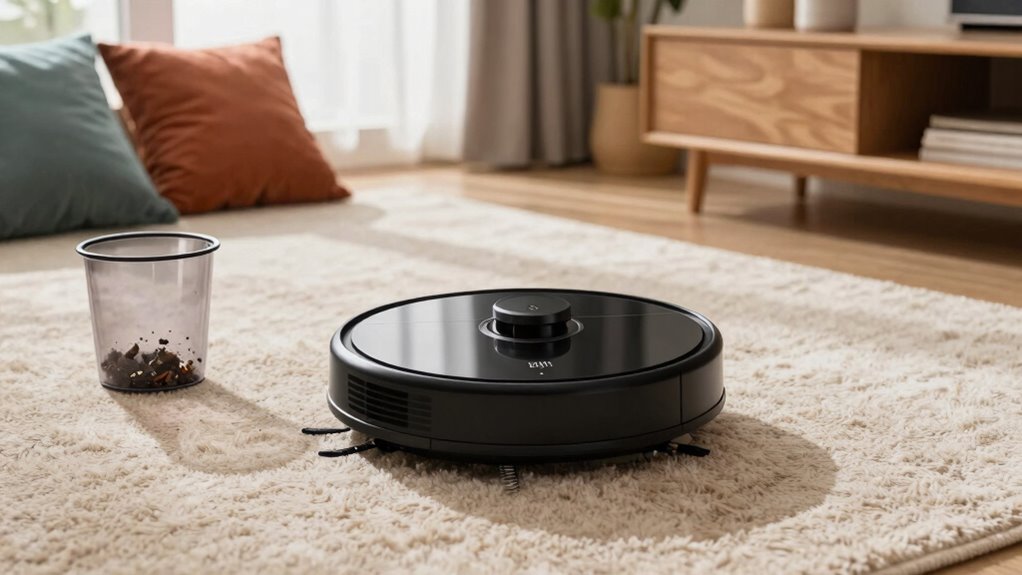

To prep your robot vacuum for better performance at home, regularly clean sensors with a soft cloth and check for dust buildup that can impair function. Keep batteries well-maintained by avoiding overcharging, replacing old ones, and using manufacturer-approved chargers. Calibrate sensors periodically to ensure accurate obstacle detection, and check air quality sensors if equipped. Consistent maintenance helps your vacuum clean efficiently and lasts longer, and if you keep up with these steps, you’ll discover even more tips for maximum results.

Get cleaning gear delivered free — and shop member deals
- Fast, free delivery on millions of items
- Access to Prime Big Deal Days deals on October 6–7
- Prime Video, Amazon Music and more included
Key Takeaways
- Regularly clean sensors and remove dust or debris for accurate obstacle detection.
- Ensure batteries are properly charged, maintained, and replaced when needed to maximize runtime.
- Calibrate sensors periodically following manufacturer instructions for optimal navigation.
- Use manufacturer-recommended chargers and avoid overcharging to extend battery lifespan.
- Check and clean charging contacts and air quality sensors to maintain overall device performance.
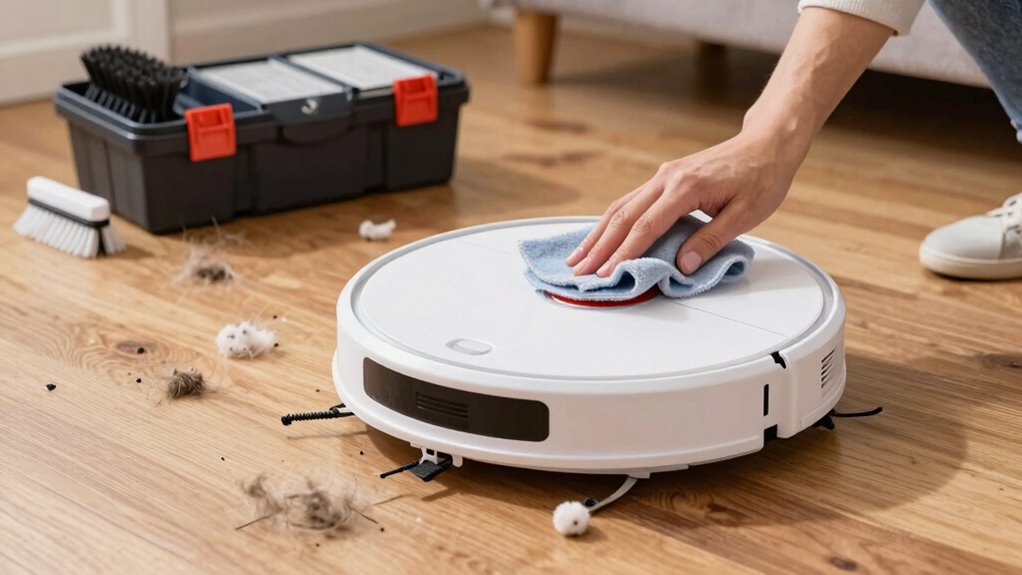
Have you ever wondered why your robot vacuum doesn’t clean as effectively as it should? Often, the answer lies in how well you’ve prepared it for everyday use. To guarantee your robot performs at its best, you need to focus on a few key areas, starting with battery maintenance and sensor calibration. These simple steps can make a significant difference in how your device navigates and cleans your home.
Battery maintenance is essential because a healthy battery ensures longer run times and better cleaning coverage. Regularly charging your robot before the battery completely drains prevents it from deep discharging, which can shorten its lifespan. If your vacuum has removable batteries, check for signs of wear or corrosion and replace them if necessary. Keep the charging contacts clean by wiping them with a soft, dry cloth to avoid poor connections. Also, avoid overcharging your robot; unplug it once it reaches full capacity. This prevents overheating and preserves the battery’s longevity. If your robot has a significant battery age or performance declines, consider replacing the battery altogether, which can restore much of its original power. Maintaining battery health is crucial for optimal performance and longevity.
Keep your robot’s battery healthy by charging regularly, cleaning contacts, and replacing it when performance declines.
Sensor calibration is the next critical step to optimize your robot’s navigation. Over time, sensors can become misaligned or dirty, leading to inefficient cleaning paths or even collisions. Start by cleaning all sensors with a soft cloth or a gentle brush to remove dust and debris. After cleaning, follow the manufacturer’s instructions to recalibrate the sensors. This often involves placing the robot in a specific area or running a calibration routine through the app. Proper calibration helps your robot better detect obstacles, edges, and furniture, reducing missed spots and preventing falls down stairs. Additionally, regular sensor cleaning can prevent dust buildup that impairs sensor function, keeping your robot operating smoothly. Regularly checking the air quality sensors can also improve overall cleaning efficiency, especially if your device is equipped with advanced detection features. Ensuring that the sensors are free from dust accumulation can improve their responsiveness and accuracy, leading to better cleaning results.
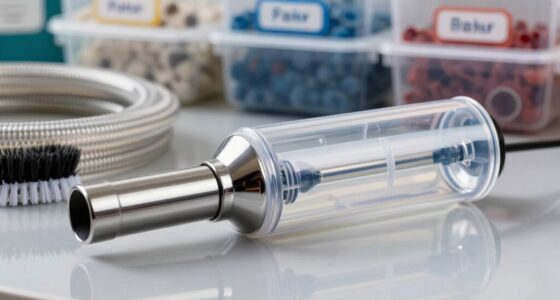
robot vacuum sensor cleaning kit
As an affiliate, we earn on qualifying purchases.
As an affiliate, we earn on qualifying purchases.
Frequently Asked Questions
How Often Should I Update My Robot Vacuum’s Software?
You should update your robot vacuum’s software whenever updates are available, ideally every few months. Regular software updates improve performance, add features, and fix bugs. Don’t forget to perform battery maintenance too, like charging fully and avoiding deep discharges. Keeping both software current and battery healthy guarantees your vacuum operates efficiently, cleans thoroughly, and extends its lifespan in your home.
Can Robot Vacuums Clean Pet Hair Effectively?
Your robot vacuum can tackle pet hair effectively, but it’s no miracle worker. To maximize pet hair removal, choose a model with strong suction and specialized brushes designed for hair entanglement prevention. Regularly empty the bin and clean the brushes to prevent hair buildup. While it won’t eliminate every strand, consistent maintenance markedly improves its cleaning power, keeping your home fur-free and your vacuum running smoothly.
Do Robot Vacuums Work Well on Thick Carpets?
Robot vacuums can work well on thick carpets if you choose a model with strong suction and appropriate brushes. To improve vacuum performance, make certain the vacuum’s brush roll is designed for deep cleaning, and check if it has adjustable height settings for thicker surfaces. Regularly empty the dustbin and clean the brushes to maintain peak performance. With these steps, your robot vacuum can effectively tackle thick carpets.
How Do I Prevent My Robot Vacuum From Getting Stuck?
To prevent your robot vacuum from getting stuck, guarantee its obstacle detection sensors are clean and functioning properly. Use models with advanced navigation algorithms that map and remember your home’s layout, avoiding common trouble spots. Clear clutter and cords from floors, and consider setting boundaries for areas it shouldn’t enter. These steps help your vacuum navigate smoothly, reducing the chances of it getting stuck and improving overall cleaning efficiency.
Are There Specific Cleaning Schedules for Different Floor Types?
Think of your floors as a garden needing tailored care. For hardwood, set a gentle cleaning schedule to avoid scratches, while carpets might require more frequent sessions. Tile floors may need spot cleaning, so adjust your schedule accordingly. By customizing your robot vacuum’s cleaning schedule based on floor type, you guarantee each surface gets the right level of attention, keeping your home spotless and your floors in top shape.
Conclusion
By taking these simple steps, you’ll guarantee your robot vacuum performs like a trusted helper in your home. Regularly clearing its sensors and keeping the brushes clean is like tuning a finely made instrument—every part works in harmony for peak results. Think of your robot as a diligent worker; the better you prepare it, the more efficiently it’ll tackle dirt and debris, making your cleaning routine smoother and less stressful.
Fall Picks
fall essentials
As an affiliate, we earn on qualifying purchases.