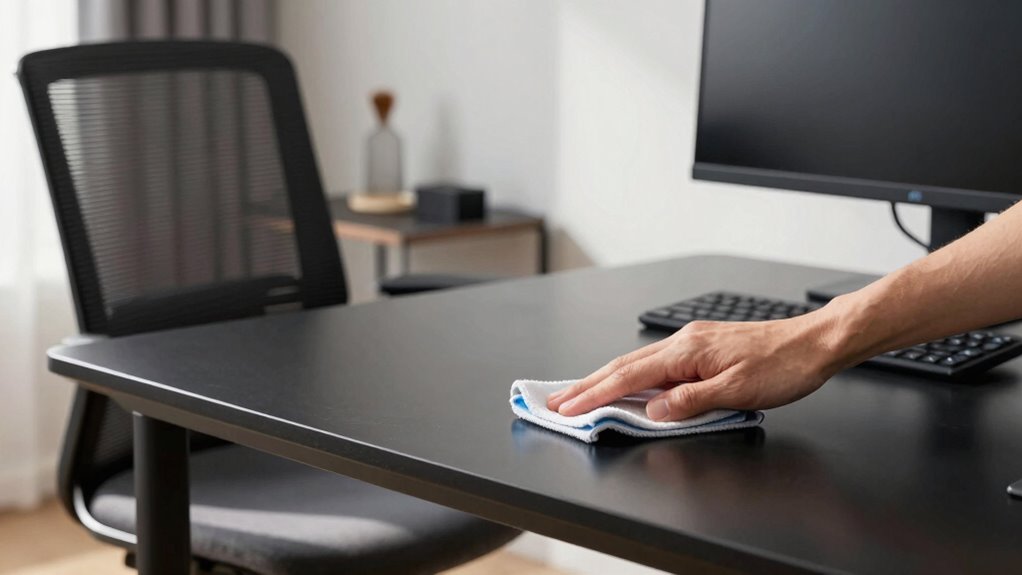

To clean your home office chairs, screens, and desks effectively, use gentle, tailored cleaners for each surface. For screens, a microfiber cloth lightly dampened with water or a screen-safe cleaner works best. Vacuum dust from crevices and use fabric or leather cleaners on chairs. Keep cables organized and disconnect electronics before cleaning to avoid static or damage. Maintaining proper technique and ergonomic setup boosts comfort and efficiency—keep going to discover more tips for a spotless, functional workspace.
Listen free for 30 days with Audible
Thousands of audiobooks and originals — cancel anytime.
As an affiliate, we earn on qualifying purchases.
Key Takeaways
- Use gentle, tailored cleaning solutions and microfiber cloths for screens to prevent scratches and streaks.
- Disconnect cables before cleaning to avoid static and damage, then wipe with appropriate, soft cloths.
- Adjust ergonomic setup for comfort, including monitor at eye level and proper chair height.
- Organize cables with clips or sleeves to reduce clutter and facilitate easier cleaning.
- Regularly maintain and clean surfaces with proper techniques to prolong furniture and device lifespan.
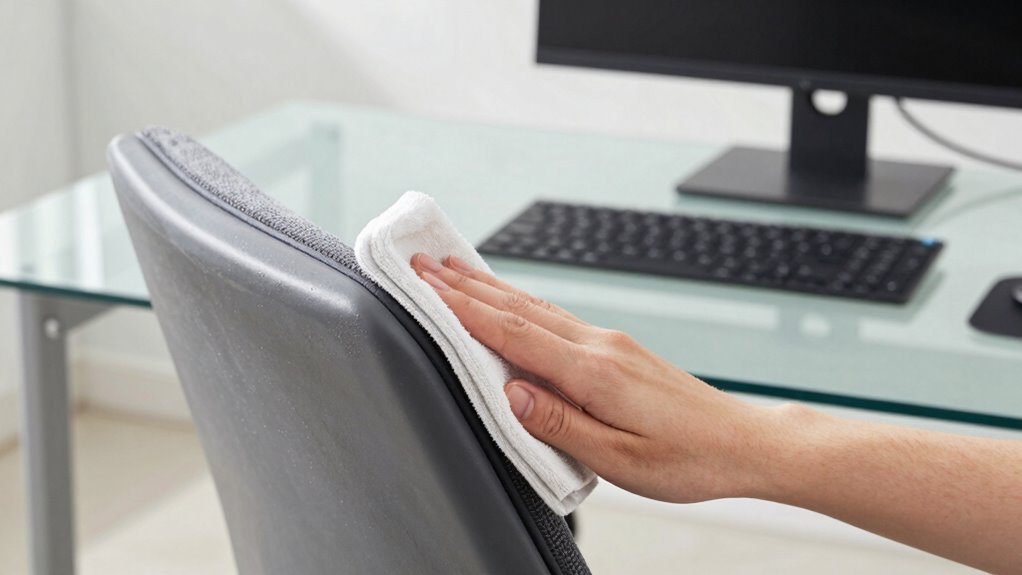
Keeping your home office clean is essential for both comfort and productivity, but many traditional cleaning methods can be ineffective or even damage your furniture and electronics. Instead of relying solely on dusters or harsh sprays, consider using gentle cleaning solutions tailored for electronics and delicate surfaces. For your screens, a microfiber cloth lightly dampened with water or a screen-specific cleaner works best, avoiding streaks and scratches. When cleaning your desk, opt for a soft cloth and mild cleaner that won’t harm the surface or leave residue. For your office chair, focus on removing dust from crevices and fabric with a vacuum attachment, then use a fabric or leather cleaner suited to your chair’s material. Proper cleaning not only maintains appearance but also prolongs the lifespan of your furniture and electronics. Incorporating proper cleaning methods ensures you don’t inadvertently damage delicate surfaces while maintaining a pristine workspace. Regular maintenance also helps prevent buildup of dust and grime that can affect your electronics’ performance.
Beyond cleaning, integrating ergonomic improvements into your workspace can greatly boost your comfort and efficiency. Adjust your chair height so your feet rest flat on the floor and your knees are at a 90-degree angle. Keep your monitor at eye level to prevent neck strain and position your keyboard and mouse so your wrists stay straight. These small adjustments reduce fatigue and help you stay focused longer. Cable management plays an important role here, preventing clutter that can cause accidents or hinder movement. Use cable organizers, clips, or sleeves to keep cords tidy along your desk and behind your furniture. Proper cable management not only creates a cleaner look but also minimizes the risk of tripping or damaging your electronics. Taking steps to manage cables properly can significantly improve your workspace safety and efficiency. Additionally, regularly inspecting your cables helps identify potential issues before they lead to bigger problems.
When cleaning your cables, disconnect them first to avoid static or accidental damage, then wipe them with a dry or slightly damp cloth. Regularly inspecting your cables can also help you identify wear or fraying before it becomes a bigger problem. Creating an organized workspace with ergonomic improvements and effective cable management makes cleaning easier and keeps your setup functioning smoothly. It’s worth investing a little time into these habits, as they make ongoing maintenance less intimidating and improve your overall work environment. Remember, a clean, well-organized office isn’t just visually appealing — it boosts your mood, reduces stress, and keeps your technology running efficiently. By combining gentle cleaning techniques with thoughtful ergonomic adjustments and cable management, you’ll enjoy a workspace that’s comfortable, efficient, and long-lasting.
microfiber screen cleaning cloth
As an affiliate, we earn on qualifying purchases.
As an affiliate, we earn on qualifying purchases.
Frequently Asked Questions
How Often Should I Clean My Home Office Furniture?
You should clean your home office furniture at least once a week to maintain hygiene and workspace organization. Regular cleaning prevents dust buildup and promotes a healthier environment. Incorporate ergonomic tips by adjusting your chair and desk for comfort, and use gentle cleaning methods. This routine keeps your workspace fresh, reduces allergens, and guarantees your furniture stays in good condition, supporting your productivity and well-being throughout your workday.
Are Natural Cleaning Solutions Safe for Electronics?
Surprisingly, natural cleaning solutions are usually safe for electronics—unless you love risking chemical reactions and toxic residues on your devices. These natural options often lack harsh chemicals, reducing the chance of damage. However, always dilute them properly and avoid excessive moisture. By doing so, you protect your electronics from harmful residues, ensuring they stay clean and functional without the unnecessary risk of chemical mishaps.
Can I Use Household Cleaners on My Computer Screen?
You shouldn’t use household chemicals on your computer screen. They can be too harsh and damage the delicate surface, causing scratches or discoloration. For effective screen cleaning, opt for a soft microfiber cloth and a gentle, electronics-safe cleaner. Avoid household cleaners, which aren’t designed for screens. Proper screen cleaning guarantees your display stays clear and functional, preventing any damage from aggressive chemicals or improper cleaning methods.
What’s the Best Way to Remove Stubborn Stains?
When faced with stubborn stains, you might think magic or a sledgehammer will do the trick. Instead, try gentle stain removal techniques like a mixture of mild dish soap and water, applied with a soft cloth. For tough spots, dab with a solution of equal parts vinegar and water. Patience and proper cleaning techniques beat harsh chemicals every time, revealing your true mastery over even the most stubborn messes.
How Do I Prevent Future Dust Buildup on My Desk?
To prevent future dust buildup on your desk, focus on dust prevention strategies like regularly wiping surfaces with a damp cloth and keeping clutter to a minimum. Use air filtration devices or purifiers nearby to trap airborne dust particles. Additionally, consider sealing windows and doors to reduce dust infiltration and schedule weekly cleanings. These steps help maintain a cleaner workspace and improve air quality, making dust less likely to settle on your desk.
Conclusion
Keeping your home office clean boosts productivity and health. Regularly cleaning chairs, screens, and desks reduces dust and germs, creating a safer workspace. Did you know that a clean workspace can improve focus by up to 15%? By adopting simple cleaning routines, you not only maintain a tidy environment but also support your well-being. So, make cleaning a quick daily habit—you’ll notice the difference in comfort and efficiency every day.
NFL season / tailgating Picks
team gear
As an affiliate, we earn on qualifying purchases.