Maintaining your Roborock Q7 M5+ Robot Vacuum and Mop ensures optimal performance and longevity. Regular cleaning, filter replacement, and troubleshooting can prevent common issues and keep your home spotless. This guide offers practical, step-by-step instructions to help you care for your device safely and effectively.

Get cleaning gear delivered free with Prime
- Fast, free delivery on millions of items
- Prime Video, Amazon Music and more included
- Member-only deals all year
Whether you’re clearing tangled hair, replacing filters, or resolving operational glitches, following these expert tips will keep your Roborock running smoothly for up to 7-9 weeks between emptying and maintenance cycles.
Key Takeaways
| Self-Emptying Dust Bag | Large 2.7L sealed bag reduces frequent emptying. |
| Powerful Suction | Up to 10,000Pa suction lifts pet hair and debris efficiently. |
| Anti-Tangle System | Designed to reduce hair tangles, especially pet hair. |
| Navigation & App Control | PreciSense LiDAR ensures accurate mapping and remote control. |
| Routine Maintenance | Regular filter and mop pad checks extend device life. |
Cleaning and Emptying the Dust Bin
- Ensure the robot is powered off before maintenance.
- Open the dust compartment by releasing the dust bin latch.
- Remove the 2.7L sealed dust bag and dispose of debris if full.
- Check the dust bag for damage and replace if necessary.
- Securely reinsert the dust bag and close the compartment.
- Regularly inspect the dust bag during cleaning cycles.
Replacing or Cleaning Filters
- Remove the robot from its charging dock.
- Locate the filter compartment, usually near the dust bin.
- Take out the filter and inspect for dirt or damage.
- If washable, rinse the filter with water and let it dry fully before reinstalling.
- For disposable filters, replace with a new one (consider the recommended washable filter pack).
- Reassemble and ensure the filter is properly seated.
Maintaining the Mop Pads
- Remove the mop pads after each cleaning session.
- Wash microfiber mop pads in the washing machine as needed.
- Inspect for wear; replace every 1-3 months to ensure effective cleaning.
- Use compatible mop pads like the VIEWALL 6 Pack Reusable Mop Pads for optimal results.
Troubleshooting Common Issues
- If the vacuum isn’t charging, check the charging dock and connections.
- For connectivity issues, restart the device and app, and ensure Wi-Fi is stable.
- If suction decreases, clean the main brush and check for tangled hair.
- In case of navigation errors, reset the device and update firmware via the app.
Tips and Safety Warnings
- Always power off before opening compartments or cleaning filters.
- Use only recommended accessories to avoid damage.
- Regularly check for wear and replace parts as needed.
- Keep the device away from water and extreme temperatures.
The Products in This Guide

roborock Q7 M5+ Robot Vacuum and Mop
- ✔ Self-Emptying: 2.7L dust bag
- ✔ Suction: 10,000Pa
- ✔ Battery Duration: 7-9 weeks

4 Pack Washable Filter
- ✔ Filter Type: HEPA
- ✔ Washable: Yes
- ✔ Pack Size: 4
roborock Q7 M5+ Robot Vacuum and Mop
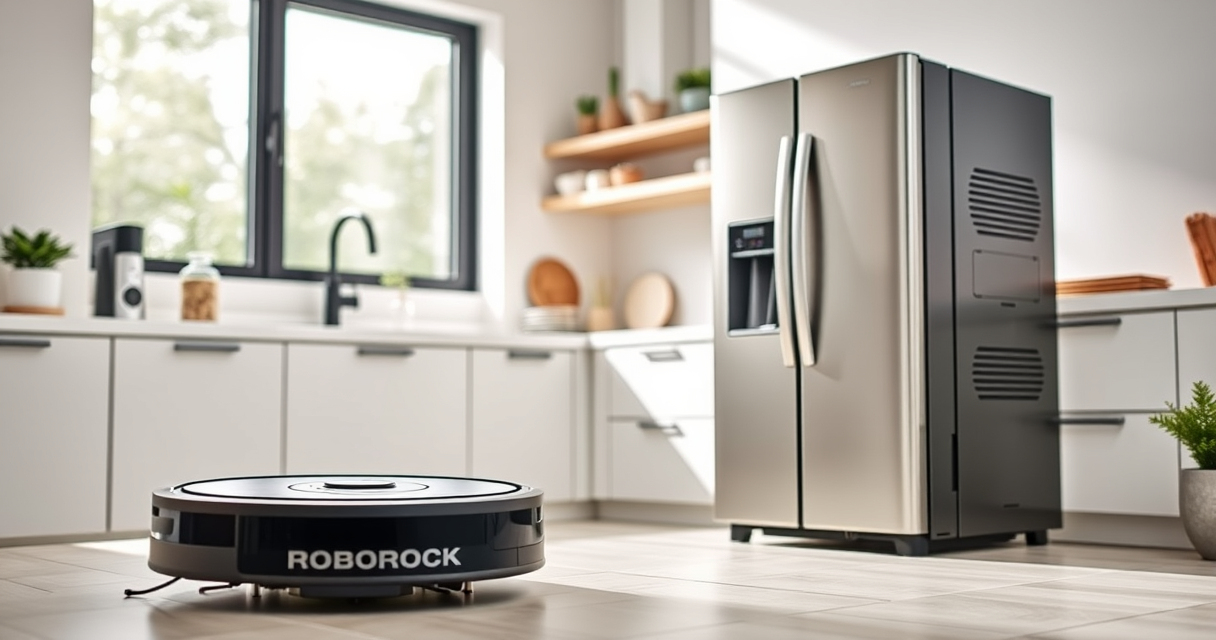
The Roborock Q7 M5+ offers up to 7-9 weeks of self-emptying, powerful suction, and intelligent navigation. Regular maintenance ensures it continues to perform at its best.
Pros:
- Long self-emptying cycle
- Strong 10,000Pa suction
- Anti-tangle design
- App control and mapping
Cons:
- Filter replacement can be frequent
- Mop pads need regular washing
- Initial setup may take time
Best for: Pet owners and busy households seeking low-maintenance cleaning.
Not ideal for: Homes with extremely uneven floors or requiring deep carpet cleaning.
Bottom line: A reliable, high-capacity robot vacuum with minimal maintenance needs.
4 Pack Washable Filter
This 4-pack of washable HEPA filters ensures your Roborock maintains peak performance, reducing the need for frequent replacements and promoting cleaner air.
Pros:
- Replaces OEM filters
- Cost-effective
- Easy to install
- Enhances filtration
Cons:
- Must be thoroughly dried before reuse
- Washing frequency needed every few months
- Not OEM, but compatible
Best for: Users seeking economical, eco-friendly filter options.
Not ideal for: Those preferring OEM-certified filters only.
Bottom line: A cost-effective, eco-friendly filter solution compatible with many Roborock models.
Frequently Asked Questions
How often should I replace the filters on my Roborock Q7 M5+?
It is recommended to wash the filters every 1-3 months and replace them every 6-12 months, depending on usage and air quality.
Can I use third-party mop pads with my Roborock Q7 M5+?
Yes, compatible microfiber mop pads like the VIEWALL 6 Pack Reusable Mop Pads can be used, provided they fit your model and are made from quality materials.
What should I do if my robot isn’t docking properly?
Check the charging dock for debris or damage, ensure the robot’s charging contacts are clean, and restart the device. Updating firmware via the app may also resolve docking issues.
Is it safe to open the dust compartment during operation?
No, always power off and unplug the robot before opening the dust compartment or performing maintenance to avoid injury or damage.
Keep Your Roborock Running Like New
Regular maintenance of your Roborock Q7 M5+ is essential for optimal performance. By following these cleaning routines and troubleshooting tips, you can ensure your robot vacuum remains efficient and reliable for years to come. Remember, safe handling and using recommended accessories will extend its lifespan and keep your home spotless.
Affiliate disclosure: As an Amazon Associate we earn from qualifying purchases. Prices and availability are accurate as of the time of publishing.
Halloween Picks
halloween
As an affiliate, we earn on qualifying purchases.