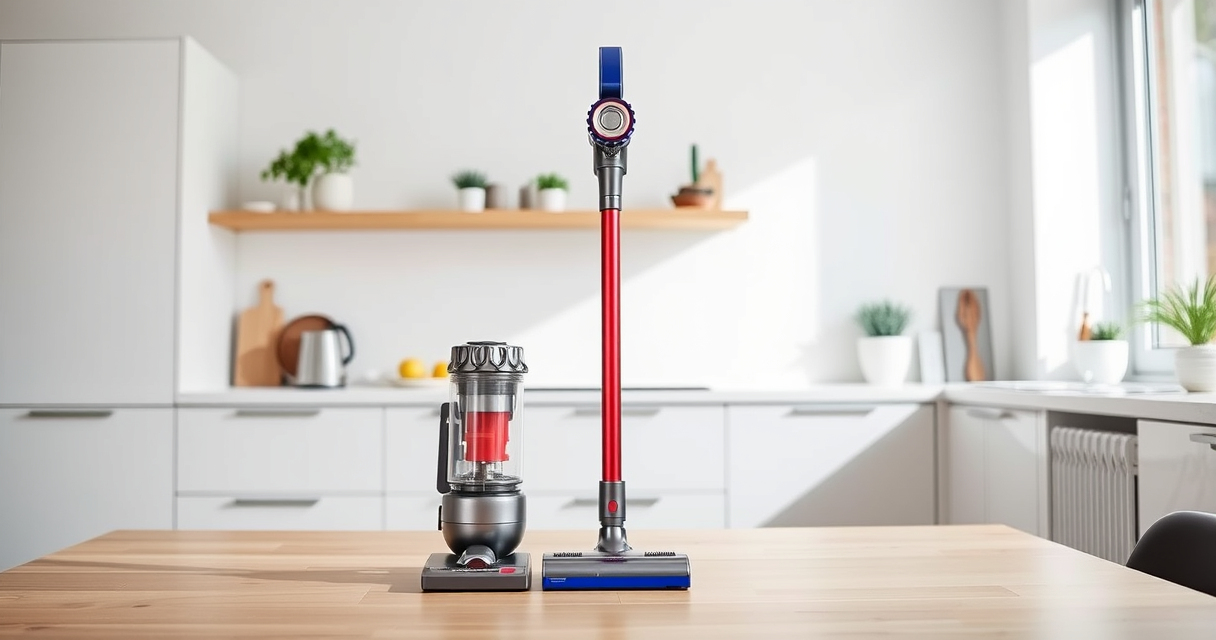
If your Dyson cordless vacuum isn’t picking up dirt as it used to, it might be experiencing a loss of suction. This common issue can stem from simple causes like clogs or filter blockages. Fortunately, many fixes are straightforward and safe to perform at home.

Get cleaning gear delivered free with Prime
- Fast, free delivery on millions of items
- Prime Video, Amazon Music and more included
- Member-only deals all year
In this guide, we’ll walk you through practical steps to diagnose the problem, identify potential causes, and restore your Dyson’s powerful cleaning capability without risking damage.
Key Takeaways
| Common causes | Clogged filters, blockages, or debris buildup |
| Basic troubleshooting | Cleaning filters and checking for obstructions |
| Maintenance importance | Regular filter replacement and cleaning |
| Safety tips | Unplug before servicing to avoid hazards |
Check for Clogs and Blockages
- Unplug your Dyson vacuum to ensure safety.
- Remove the wand and cleaner head from the main body.
- Inspect the wand, cleaner head, and hose for debris or blockages. Clear any obstructions you find.
- Reassemble and test the vacuum for suction.
Clean or Replace the Filters
- Locate the pre-filter and main filter as per your model’s manual.
- Remove the filters carefully.
- Wash the filters with cold water, avoiding soap unless recommended, and let them air dry completely (at least 24 hours).
- Reinstall the filters and run the vacuum to check improvements.
Inspect and Clear the Bin
- Empty the dustbin thoroughly.
- Check for any debris stuck near the cyclone or in the bin opening.
- Ensure the dustbin seals properly when reattached to maintain suction.
Examine the Brush Bar and Agitator
- Remove the cleaner head from the vacuum.
- Check the brush bar for tangled hair, string, or debris. Clear as needed.
- Ensure the brush rotates freely and is not obstructed.
Perform Regular Maintenance and Contact Support
If suction issues persist, consider replacing filters or cleaning components more frequently. For persistent problems, contact Dyson support for professional assistance.
The Products in This Guide

Dyson V15 Detect™ Origin Cordless Vacuum
- ✔ Battery: Lithium-ion
- ✔ Charge Time: 3.5 hours
- ✔ Weight: 2.4 kg

LANMU Crevice Tool Vacuum Attachments Compatible
- ✔ Length: Approx. 12 inches
- ✔ Weight: 0.3 lbs
- ✔ Material: Polypropylene
Dyson V15 Detect™ Origin Cordless Vacuum
The Dyson V15 Detect™ Origin offers powerful suction, intelligent debris detection, and a variety of attachments for whole-home cleaning. Its advanced filtration and performance features make it a top choice for maintaining suction power.
Pros:
- Powerful suction with 100% more power
- Intelligent debris detection
- Long 60-minute runtime
- Includes versatile cleaner heads
Cons:
- Can be heavy for some users
- Requires regular filter maintenance
- Filters may need frequent replacement
Best for: Deep cleaning hard floors and carpets, pet hair removal
Not ideal for: Light cleaning or quick spot fixes
Bottom line: A powerful, intelligent vacuum ideal for comprehensive home cleaning.
LANMU Crevice Tool Vacuum Attachments Compatible
The LANMU Crevice Tool Vacuum Attachments are compatible with Dyson V15 and other models, helping you reach into hard-to-clean corners and narrow spaces. Its slim, flexible design makes it an essential addition for detailed cleaning tasks.
Pros:
- Narrow nozzle for tight spots
- Compatible with multiple Dyson models
- Easy to maneuver
- Durable construction
Cons:
- Might be too slim for larger debris
- Not for use with canister models
- Requires proper attachment to fit securely
Best for: Cleaning corners, car interiors, and small crevices
Not ideal for: Large debris or deep carpet cleaning
Bottom line: A practical tool for detailed cleaning in hard-to-reach spots.
Frequently Asked Questions
Why does my Dyson vacuum have no suction?
Common causes include clogged filters, blockages in the wand or hose, or debris buildup in the dustbin. Regular maintenance can prevent this issue.
How often should I clean or replace filters?
Filters should be cleaned every 1-3 months and replaced every 6-12 months, depending on usage and model specifications.
Can I vacuum wet messes with my Dyson?
No, Dyson vacuums are designed for dry debris only. Vacuuming wet messes can damage the motor and void the warranty.
Is it safe to wash the filters?
Yes, most filters are washable. Rinse them with cold water, let them air dry completely before reinstalling to avoid damage.
Keep Your Dyson Suction Strong with Regular Care
Maintaining your Dyson cordless vacuum’s suction power involves regular cleaning of filters, checking for obstructions, and replacing worn parts. With proper care and troubleshooting, you can ensure your vacuum performs at its best for years to come.
If issues persist despite these steps, contacting Dyson support is recommended for professional help. Consistent maintenance is the key to long-lasting, efficient cleaning.
Affiliate disclosure: As an Amazon Associate we earn from qualifying purchases. Prices and availability are accurate as of the time of publishing.
Halloween Picks
halloween
As an affiliate, we earn on qualifying purchases.