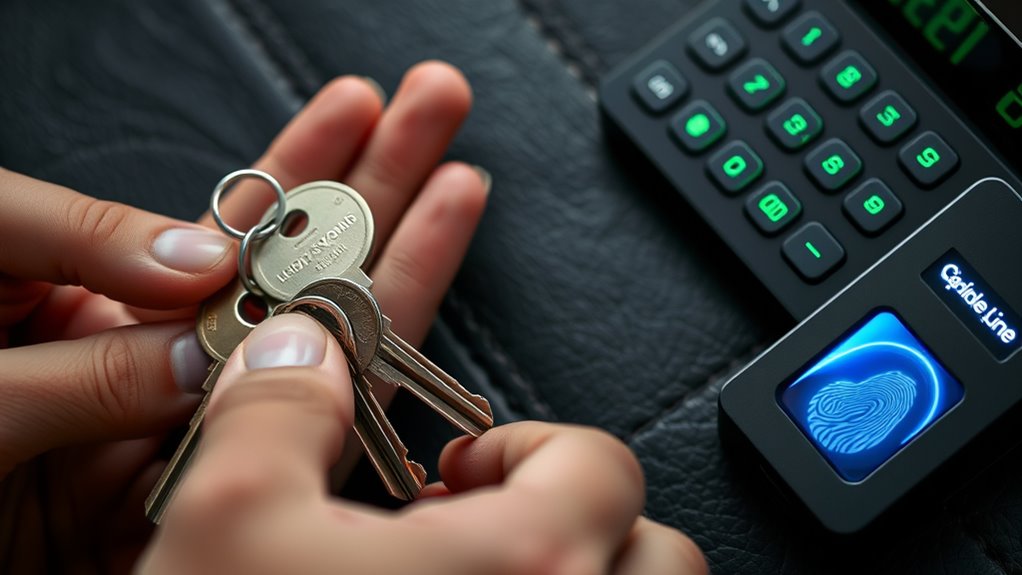

To handle keys, codes, and access securely, consider upgrading to digital lock systems combined with biometric authentication. These systems let you quickly revoke or update access rights and monitor activity in real-time, reducing risks from lost keys or forgotten codes. Always guarantee your systems are protected with strong encryption and regularly updated security protocols. Staying vigilant and adopting advanced technology keeps your access control tight—continue to explore how these solutions enhance your security and management efforts.
Key Takeaways
- Use digital lock systems with encrypted access and audit logs for secure management of keys and codes.
- Implement biometric authentication to verify identities and reduce reliance on physical keys or static codes.
- Regularly update access permissions and revoke outdated credentials promptly to prevent unauthorized access.
- Train staff on security best practices and safeguard biometric data, PINs, and access codes diligently.
- Integrate access controls with security software to monitor activity, detect anomalies, and respond swiftly to breaches.

Managing keys, codes, and access points is essential for maintaining security in any environment. Whether you’re overseeing a corporate office, a residential building, or a sensitive facility, guaranteeing that only authorized individuals gain entry is critical. One of the most effective ways to do this is by implementing digital lock systems, which replace traditional keys with electronic controls. These systems often use keycards, PIN codes, or mobile credentials, making access management more flexible and traceable. With digital lock systems, you can quickly add or revoke access rights without physically changing locks, reducing the risk of lost keys or unauthorized duplication. Additionally, digital systems often integrate with security software, allowing you to monitor entry logs in real-time, identify suspicious activity, and respond swiftly to potential breaches.
Alongside digital lock systems, biometric authentication adds an extra layer of security that’s difficult to bypass. Biometric methods—such as fingerprint scans, facial recognition, or iris scans—use unique physical traits to verify identities. When you incorporate biometric authentication into your access control, you eliminate the need for physical keys or PINs, which can be lost, stolen, or shared. This technology provides a seamless, contactless way for authorized personnel to gain entry while markedly reducing the chances of impersonation or unauthorized access. Biometrics also enhance audit trails, as each access attempt is tied to an individual’s unique biometric data—making it easier to track who entered and when. This can be invaluable for compliance and incident investigations.
Biometric authentication offers seamless, contactless security and improves tracking for compliance and investigations.
To handle access securely, you need to establish clear protocols around the use and management of these systems. Train staff on the importance of safeguarding biometric data and maintaining the confidentiality of access credentials. Regularly update and audit access permissions, especially when personnel change roles or leave the organization. Combine biometric authentication with digital lock systems for layered security; for example, use biometric verification to unlock a digital lock, reinforcing the barrier against intruders. Always guarantee that your digital lock systems are protected with strong passwords and encryption, preventing hacking attempts or unauthorized remote access. Incorporating well-designed security protocols further enhances the integrity of your access management.
Ultimately, handling keys, codes, and access points with care involves embracing technology that enhances security while making management more efficient. Digital lock systems and biometric authentication are powerful tools that, when used correctly, provide robust protection against unauthorized entry. By staying vigilant and updating your systems regularly, you can create a secure environment where access is tightly controlled, monitored, and responsive to evolving threats. This proactive approach not only safeguards your assets but also offers peace of mind, knowing that your security measures are both modern and effective.
Frequently Asked Questions
How Often Should Access Credentials Be Changed?
You should change access credentials regularly, ideally every 60 to 90 days, to maintain security. Implement password rotation policies and conduct access audits to identify and revoke unused or compromised credentials. Regular updates reduce the risk of unauthorized access and help you stay compliant with security standards. Make sure to inform users about the importance of changing passwords and keep track of all access changes for accountability.
What Should I Do if I Lose My Key or Code?
If you lose your key or code, don’t try to duplicate the key yourself or share the code with others. Instead, immediately contact your security or property manager to report the loss. They’ll revoke access, change the code if needed, and issue a new key. Avoid risking unauthorized access through key duplication or code sharing, and always follow proper procedures to maintain security.
Are There Recommended Security Practices for Digital Access?
You should prioritize digital encryption and biometric verification for secure access. Coincidences happen—like your phone opening instantly—highlighting the power of biometric verification. Always enable encryption to protect your data from hackers. Use complex, unique passwords, and update them regularly. Keep your software current to patch vulnerabilities. By combining biometric verification with strong encryption, you reduce risks and guarantee your digital access remains safe and reliable.
How Can I Verify Someone’s Identity Before Granting Access?
To verify someone’s identity before granting access, you should use multiple layers of identity verification, including biometric authentication like fingerprint or facial recognition. Ask for official identification documents and cross-check details carefully. You can also implement digital verification methods, such as secure login credentials, and observe behavior for consistency. Combining biometric authentication with traditional ID checks guarantees you confirm the person’s identity accurately and prevent unauthorized access effectively.
What Are the Legal Considerations for Monitoring Access?
Thinking about access control, you should know that monitoring must respect privacy compliance laws and regulations. You’re responsible for ensuring that your surveillance and logging practices are transparent and proportionate, avoiding any infringement on individual rights. Always inform users about monitoring policies, keep records securely, and regularly review your procedures to stay within legal boundaries. This way, you balance security needs with respecting privacy rights effectively.
Conclusion
Remember, safeguarding keys, codes, and access isn’t just about following rules—it’s about protecting your valuable assets. Did you know that 60% of data breaches are caused by weak or stolen credentials? By staying vigilant and implementing strong security practices, you markedly reduce your risk. Keep your keys and codes secure, and stay aware of potential threats. Your proactive efforts make all the difference in maintaining a safe and trustworthy environment.